Kissena Forum Archive

Indoor Training, and Virtual Racing (ZWIFT)

1418 comments · 11751 views
i'm on Richmond now gonna wait under the banner. (some weirdness in that i seem to be the only person in the game)
I thought this was a Sunday ride?
I meant Sunday but hope you guys had a good ride!
Be there in less than 5
Hanging out, look for me on the list of riders.

Edvald Boassen Hagen is the pro rider on the course today.
I am just past start finish. Stopped
Headed there now.

Also if you want to, I'm on Google hangouts @ daveyang42.
Jim don't see you, how annoying. Going to ride at a snail's pace if you are further up the road...
i had tech failures...but found the Yangs
Had a good "endurance" ride with low cadence FTP intervals at the end. I made up for the short ride by shoveling buttloads of snow for 4 hours. My neighbor who has an adjacent driveway looked at me like I was crazy because I kept going while he took many (many) pauses to catch his breath while we cleared our area. Interesting that our near 70 yo neighbor who ran something like 30 NYC marathons during his younger years shoveled his own driveway like a boss.

#enduranceathletes
I'm looking to get  a lap top to run zwift, anybody know if this meets the requirements, i'm so non technical  

Lenovo ThinkPad T410 14.1-inch 2.4GHz Intel Core i5 8GB RAM 128GB SSD Windows 7 Laptop (Refurbished)

Product Description: This Lenovo ThinkPad T410 Notebook PC comes with a 2.4GHz Intel Core i5 processor, 8GB DDR3 memory, 128GB solid state drive, 14.1-inch WXGA display, Wi-Fi, DVD-RW optical drive, and Microsoft Windows 7 Home Premium (64-bit) operating system.

Mark,

I think this will run it fine. The biggest driver to how smooth it feels and how detailed the graphics are is the graphics driver. They recommend at least 2GB of graphics memory for the high res setting. I think this machine probably doesn't meet that spec but would run it at a lower frame rate.

This is what I got and it runs awesome (the cheapest version):
http://www.dell.com/us/p/alienware-alpha/pd?~ck=mn​

Jim
Thanks Jim
I think the graphics are not that dynamic on the app and the FPS on the game won't create a bottleneck, but I want to point to the CPU on your link, Mark, especially since you can overclock your graphics card if there are issues with bottlenecking.

I agree that the laptop will work, and it's got decent ram, but the rest of the numbers worry me.  One concern with a refurbished laptop is the clock speed and age of the computer.  The silver compound between the cpu and heat sink dries out and makes the computer run hotter until it finally shuts down, even when runnning in a cold basement.  My laptop, running Zwift the other night, actually shut down because of this.  I've been looking for a computer to replace it and have been doing some research.

You may be looking at a laptop because it has a screen that you can simply set up in front of you.  I'm not sure of the cost you see, but I'd recommend going to a PC with a higher clock speed and much larger memory, so you can, if needed, use the computer as a backup for other things, though the cost would allow you to banish it to the basement until next winter.

http://www.ebay.com/itm/HP-Desktop-PC-Computer-Windows-10-Core-2-Duo-19-Monitor-8GB-Ram-1TB-Win-10-WiFi-/310840258008?hash=item485f85edd8:g:eD4AAOSwX~dWjnik

http://www.ebay.com/itm/MICOMP-Dell-Tower-Desktop-Computer-PC-Core-2-Duo-3-0Ghz-8GB-1TB-Windows-7-WIFI-/271838835921?hash=item3f4adb74d1:g:5pAAAOSw14xWFrv8

One comes with a monitor, one doesn't.  They have usb wifi, higher clock speed, 3.0, and probably authentic windows.  For $179, I think it's a good deal.  You'd have to set up a monitor, instead of a laptop in front of you, though, for that one.  The GPU is going to be basic, but I think functional. And it would allow you to play StarCraft II when you told your family you're 'working out'.
Just wanted to provide other options.
Bruce , I have no idea what you were talking about, but I'm buying it , hey I'm an Arab , do you have any sand?
Mark and all, the specs are spelled out by Zwift:

  • OS: Windows 7 x64 bit, OSX 10.7.
  • Processor: Intel Core 2 Duo.
  • Memory: 4GB.
  • Graphics: 1GB dedicated GPU, or embedded Intel HD 4000/AMD R5.
  • Hard Drive: 4GB of free space.

The absolute must is the GPU (graphics processor).  I have an older decommissioned laptop with CPU and memory that exceeded the minimums, but the integrated Intel graphics chipset is the HD3000 series.  Zwift wouldn't finish loading up when trying to install.

I also tried using my work issued laptop which also exceeds the recommended minimums in the CPU and memory side, but the graphics only meets the minimum with a HD4000 series chipset.  It worked, but would randomly glitch out.  The funniest glitch was when my power data would get held up somewhere.  The ANT+ signal was fine, but the data wasn't applied to the game so my avatar would stop pedaling.  Then all of a sudden all that power data would be "processed" all at once and added together causing my avatar to pump out 4000 watts and fly up a climb at 100mph.  Unintentional virtual doping!

My main laptop is older, but has a discrete graphics card with the minimum 1GB of dedicated GPU memory.  I run Zwift at the 720p setting on an old 768p plasma TV and it works great.  Frame rates get somewhat choppier if I run the game at 1080p, but still playable.
David, thanks for the help , i ordered the PC Bruce recommended .I should be hooked up by end of the week, pretty excited ,
Oh cool, you can now link up Zwift to Training Peaks.  I've been manually uploading my Garmin file so this is pretty convenient!

https://www.youtube.com/watch?v=ltD5bFrGrUM

So, I can't believe I'm even remotely considering connecting to Zwift (I thought you needed a smart trainer), but how do you guys use Zwift? I mean, aren't most/all of your trainer workouts scheduled/planned?

I guess I don't really get it, other than maybe a fun way to substitute for a group ride on a sloppy/snowy Sunday.

Is there a point in doing an "active recovery" ride or somesuch against a bunch of guys on the internet racing that I'm missing? Or is it that you do your regular intervals and see where that puts you against your internet competition.

Or do you just go out and race each other regardless of what you are supposed to be doing on the trainer?

PS. Those are real questions...just figuring out if it's worth joining/linking up.
Well, aside from getting an ant+ dongle and making sure your computer is up to spec, the cost of entry is $10 for a month and you don't have to subscribe for a year.  Give it a shot and see how you like it and how you want to use it.

My uses:
  • Use it as a large power/cadence/HRM heads up display - Much easier to see big numbers on a bigger monitor (or TV) than on the small Garmin display
  • Use it as a secondary display - For training sessions where effort is more or less constant (e.g. SST, recovery, etc.) I use my laptop monitor for Zwift and the TV for streaming videos/movies.
  • Suspension of disbelief - We folks in the outer reaches of the city and with limited time rarely have an opportunity to join the regular group rides.  Zwift is like the equivalent of a sunlamp: Comparatively a poor substitute for the real thing, but helpful in staving off the winter blues while spending a lot of time training indoors and solo.  I don't "talk" to people, but it's oddly comforting to virtually ride with others and as silly as it sounds to "communicate" via wattage.
If I am on the trainer, I am on zwift.

It makes a lot more fun, and removes some of the bore of riding a trainer solo.

Just like I would on the road, if I have a workout, I just do my workout and ignore other riders.

Zwift has a pretty cool workout mode, where you can enter your own workout, or do theirs.

If the workout allows or I want to rest/ride around, I might join a group, or a couple of riders -- this btw, works just as it would in the real world, you jump on someone's wheel, a group catches you, you meet a few friends at a ceartain time/place, etc...

Otherwise, my normal trainer, powertap and ant+ dongle, is all I use.


is there a Sunday zwift group ride?
there are zwift "group" rides almost everyday... there's a schedule here:

http://teamup.com/ks4861763bd63ce3d8/

the FB group is a bit overwhelming and obsessive, but can be helpful too. Charlie I. often posts about upcoming group rides:

https://www.facebook.com/groups/zwiftriders/
thanks!

I love the bit about "posts about cheating will be deleted"
I have the Garmin Ant+ USB to connect to Zwift. What's the trick to get Ant+ to work better? Extender cord? I do a 20 min test on Zwift and I keep getting drop-outs — wattage is off by about 5W, cadence is about 7rpm low. Wahoo app on iPhone connects to the Kickr via Bluetooth and it's perfect, I can compare the numbers side by side. Ant+ sucks. Laptop's on my handlebars.

I use my head unit when I'm on Zwift as a backup in case it z-wifts the bed....
@Yacks Top idea.

On the lowest settings (576dpi) with a new MacBook Pro it's energy impact is bonkers — scores 500 (CPU/fans/internet/HD/GPU). That's like 5th gear with your foot flat.

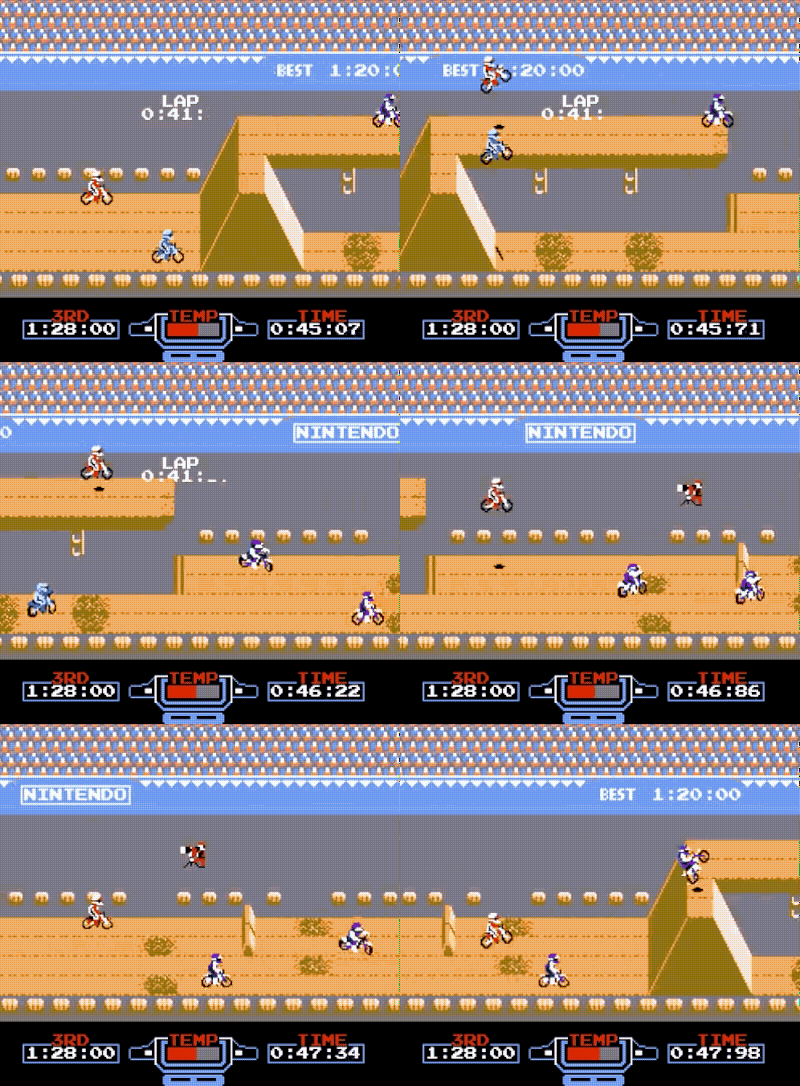
Feature request: side-scroller mode.


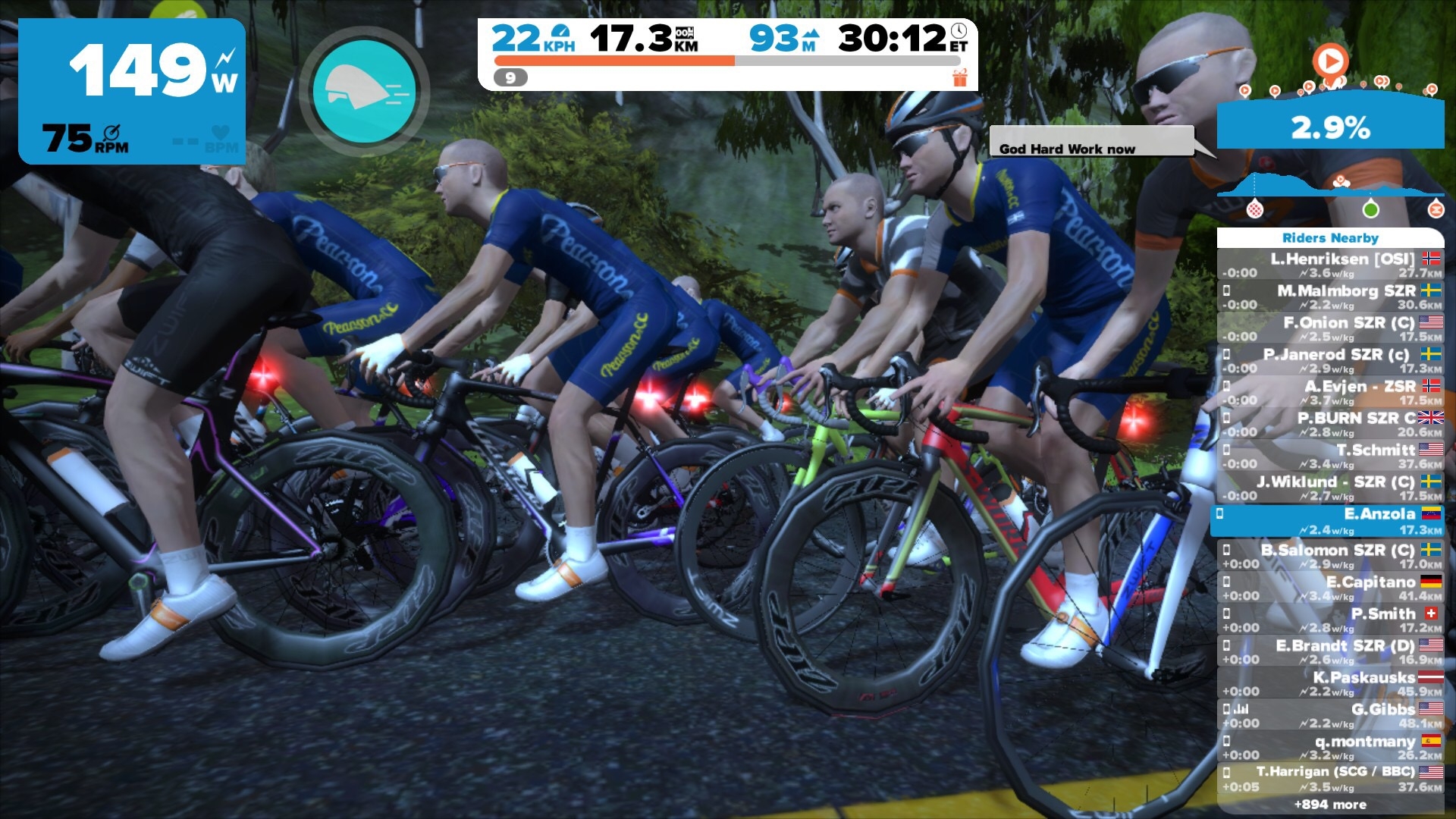
if you use the app on your android or ios phone, you can easily change views.

else click on any number key 1 to 9 on your keyboard. This too will change views.

Including side scroller mode: